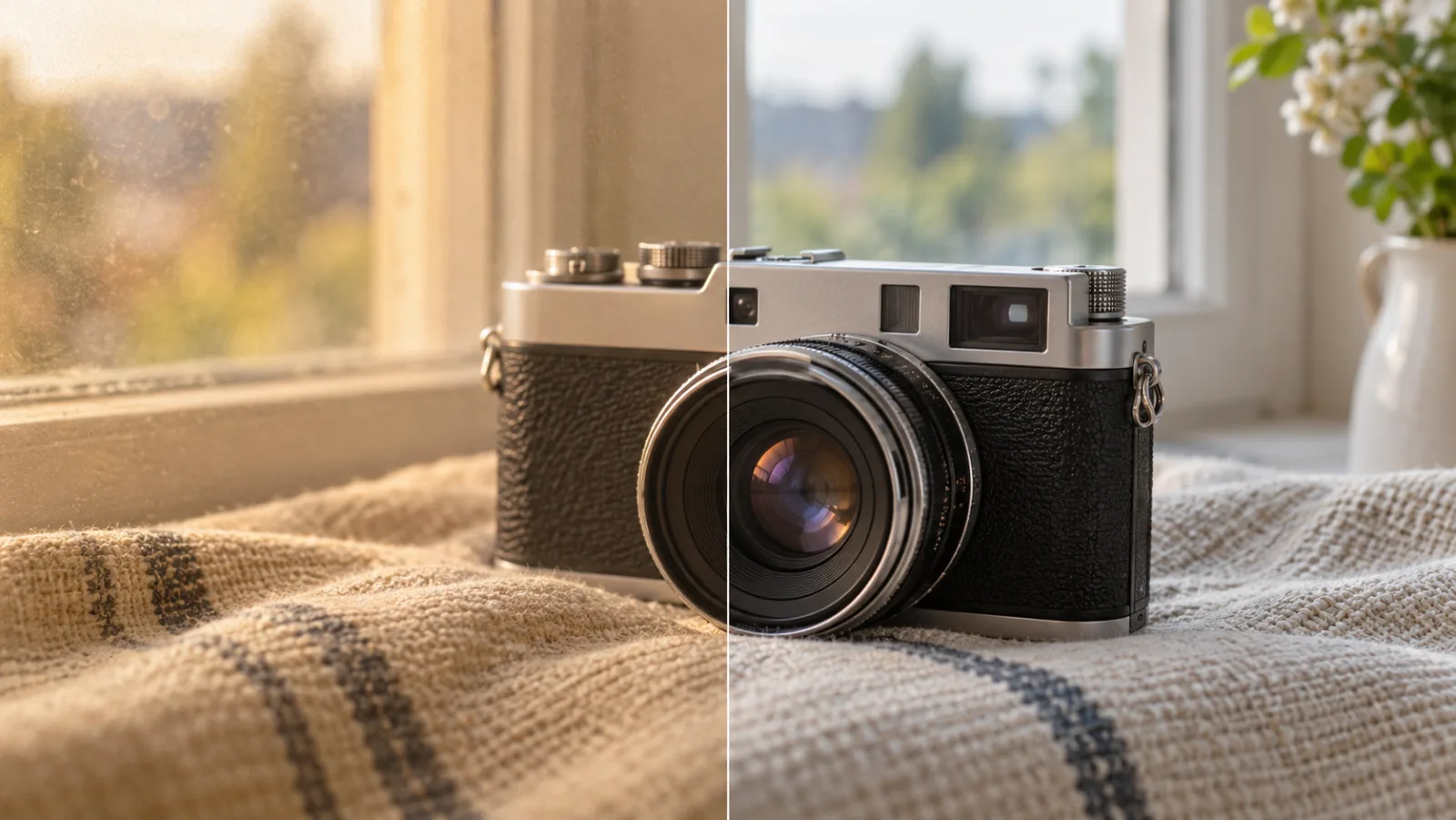
how to make image quality better
Learn how to make image quality better: choose a cleaner source, correct lighting and noise, then compare an AI-enhanced image before you share or publish it.…
Read articleUpScaler.tools blog
Read practical guides from UpScaler.tools for sharper photos, cleaner edits, image enlargement, and better workflows for preparing images online.
Latest guides
2 pages of articles
Learn how to make image quality better: choose a cleaner source, correct lighting and noise, then compare an AI-enhanced image before you share or publish it.…
Read article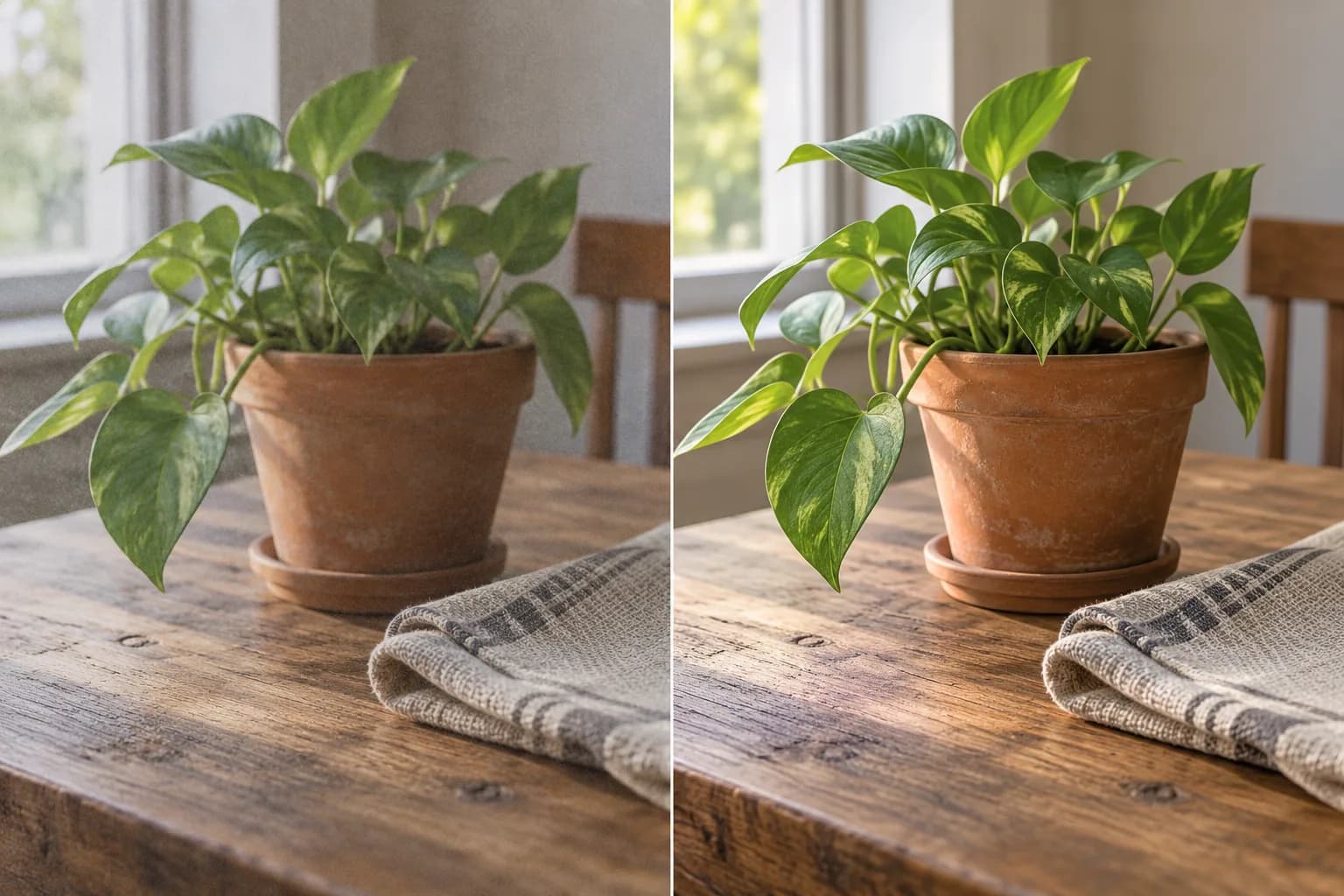
To improve photo quality, identify noise, blur, or poor light first. Learn when to use AI enhancement, compare fine detail, and save a natural-looking result.…
Read article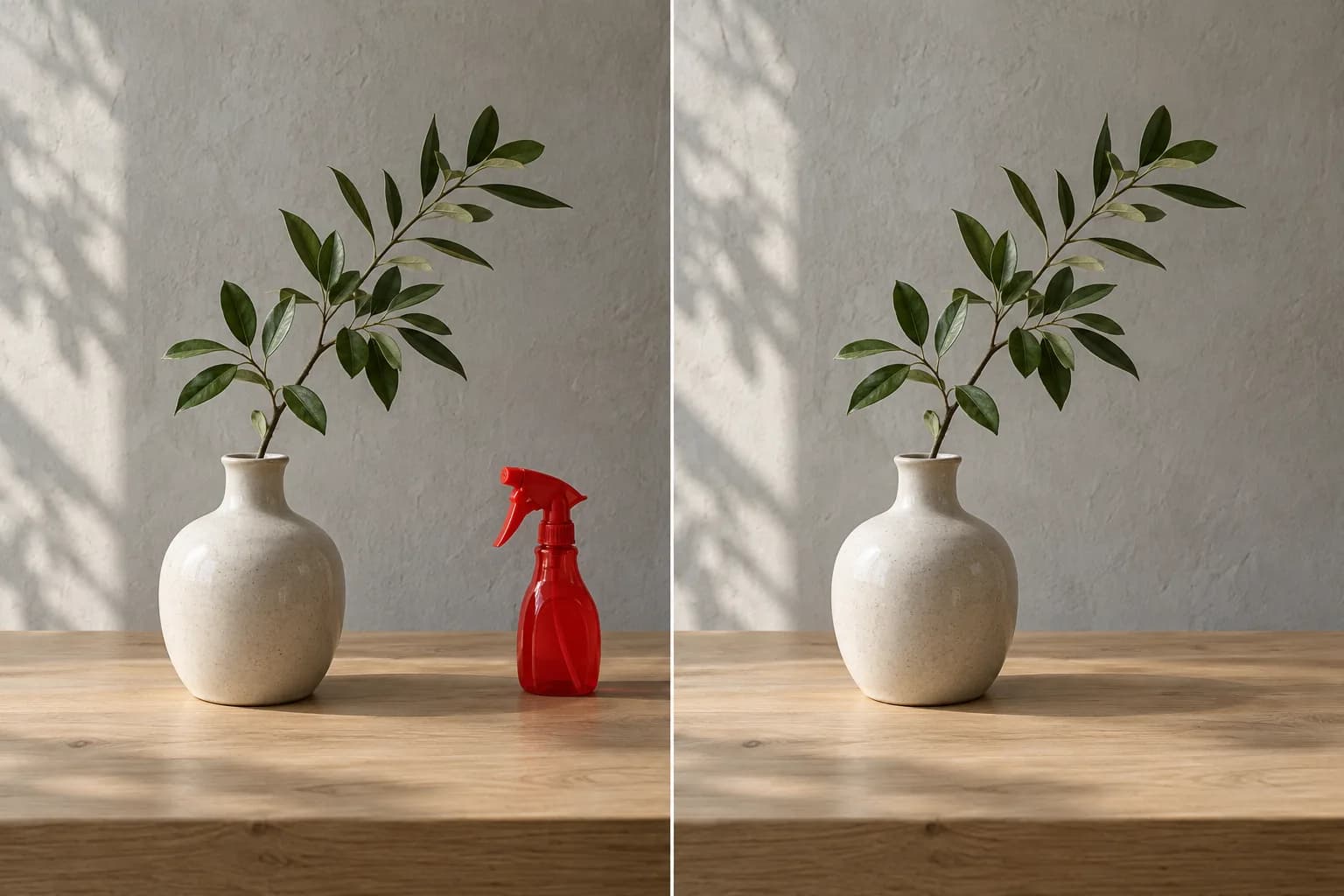
Learn how to clear the background of an image: remove distractions while keeping the scene, or make a transparent cutout. Choose the right method before…
Read article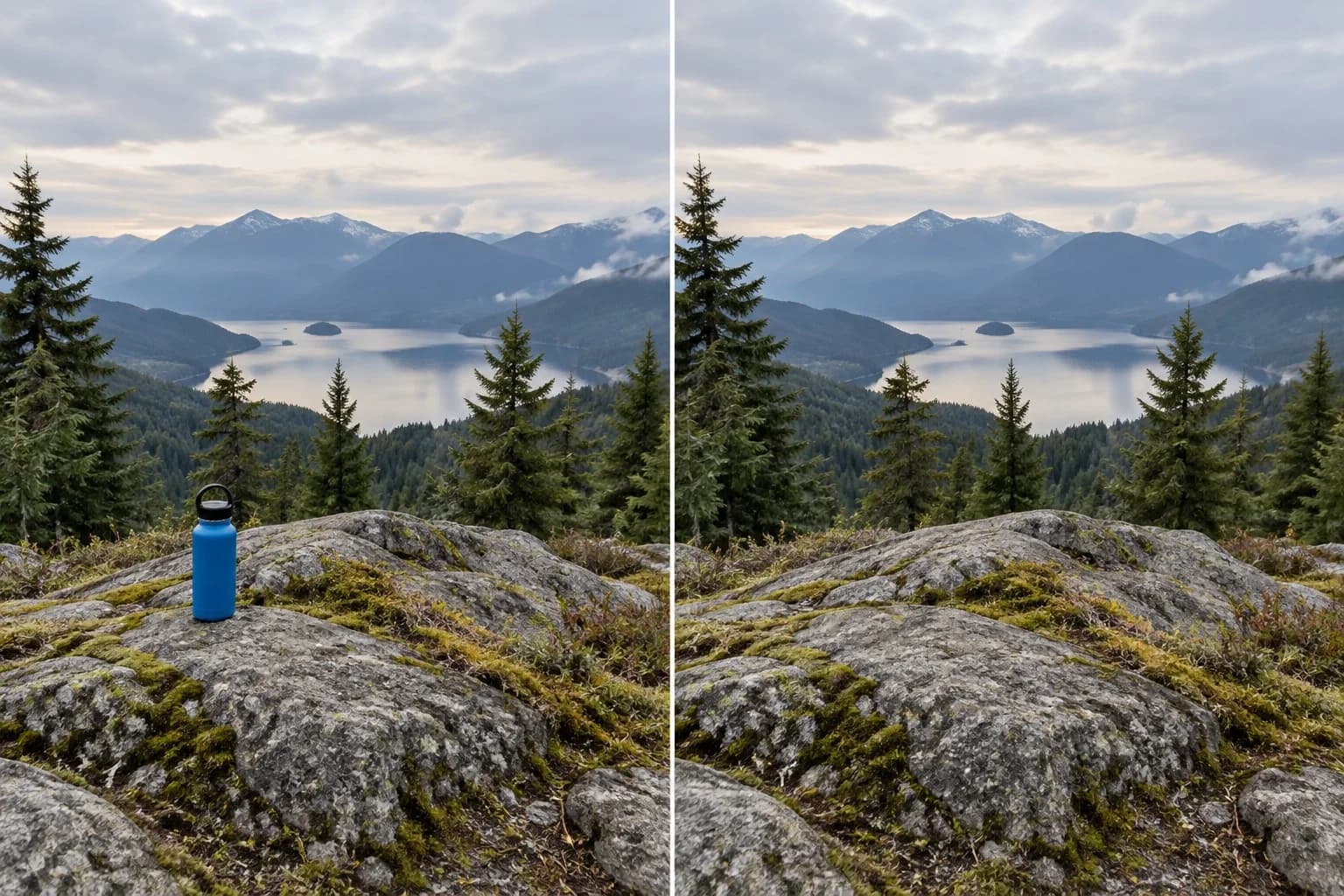
How to remove things from photos: decide whether to crop, retouch, or rebuild the background, then review the image at its final display size before sharing.…
Read article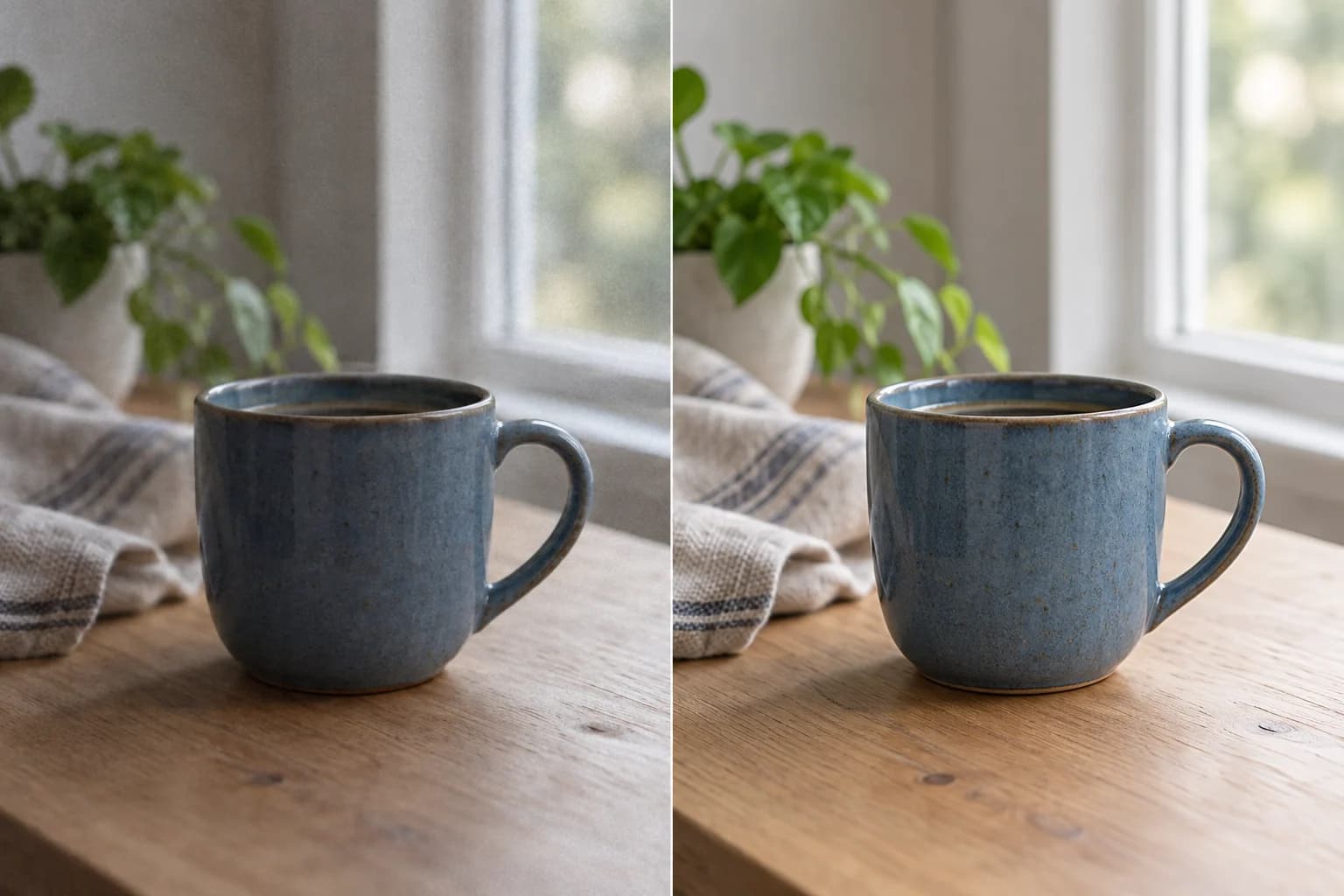
To upgrade photo quality, start with the visible problem: flat light, noise, compression, or soft detail. Compare the result with the original. A larger file…
Read article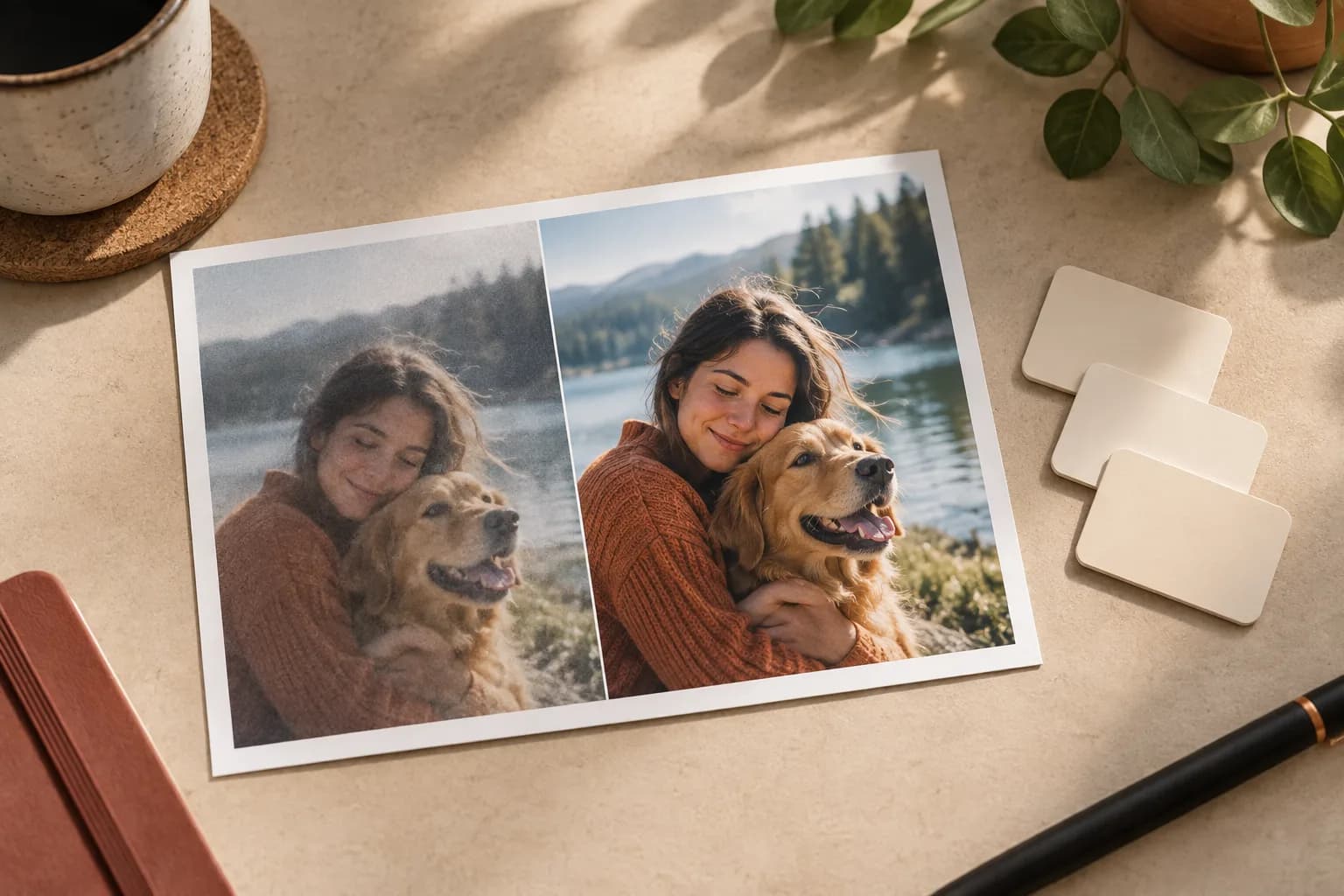
AI photo enhancement pricing is simple to compare: one UpScaler.tools credit covers one completed edit, so your plan can match the images you finish each…
Read article
Learn how to enhance photo quality: correct light and color, reduce noise, and refine detail. Compare the original and AI result before downloading your PNG. A…
Read article
Learn how to remove something from a picture: choose cropping, healing, or AI erasing, then check edges, shadows, and texture before saving your edited photo.…
Read article
Learn how to remove people from photos: select the unwanted person, fill the area with an AI image eraser, and check the background before saving. For travel…
Read article