AI 图片放大

在线将照片放大至 10 倍

上传照片,选择 2×–10×,然后对比放大后的结果。

  • 格式JPG / PNG / WebP
  • 倍数2×–10×
  • 费用1 积分

选择图片

登录
放大倍数
处理1 积分每张图片

自动完成一次专注的图片处理。

预览

预览

选择图片后即可开始。

上传照片,选择 2×–10×,然后对比放大后的结果。

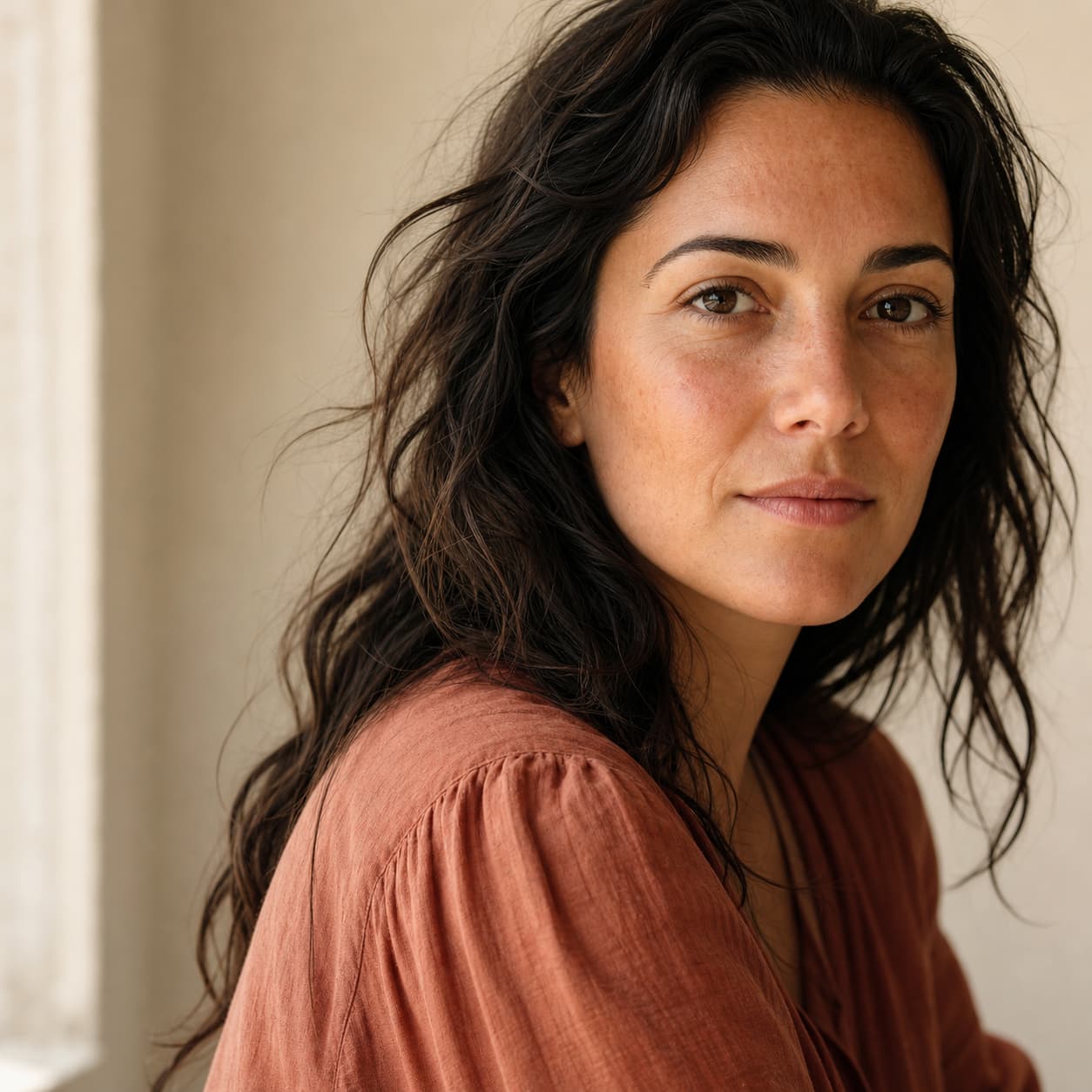
Enlarge a photo while keeping the moment familiar example

Photo enlargement for portraits

Enlarge a photo while keeping the moment familiar

An AI photo enlarger can refine visible edges, skin texture, and tonal transitions so a small portrait feels like the same photograph at a more useful size.

Try the photo enlarger
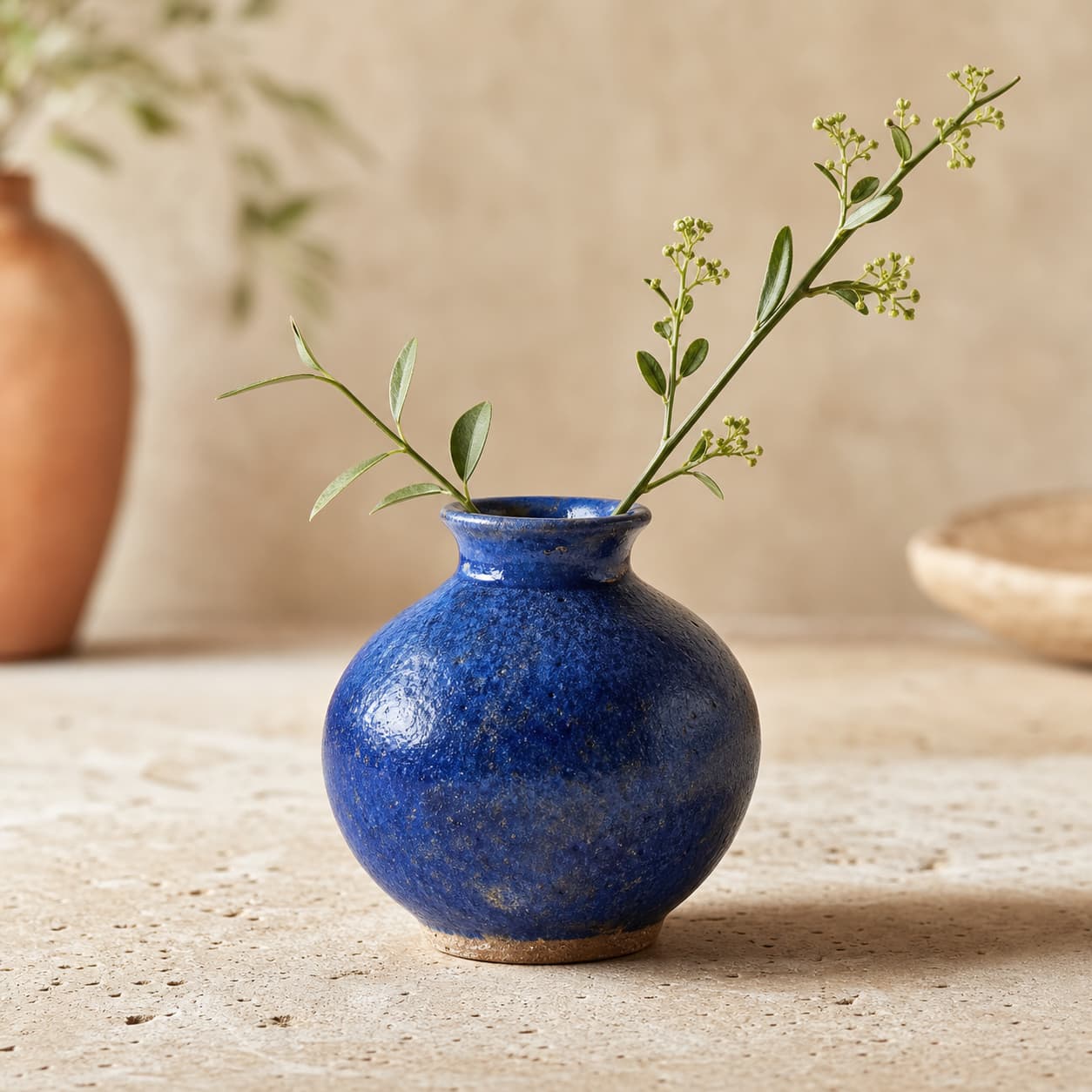
Make product photos ready for larger displays example

Photo enlargement for portraits

Make product photos ready for larger displays

Give a small product photo more room on a listing, catalog, presentation, or marketplace page while keeping the original image available for review.

Try the photo enlarger
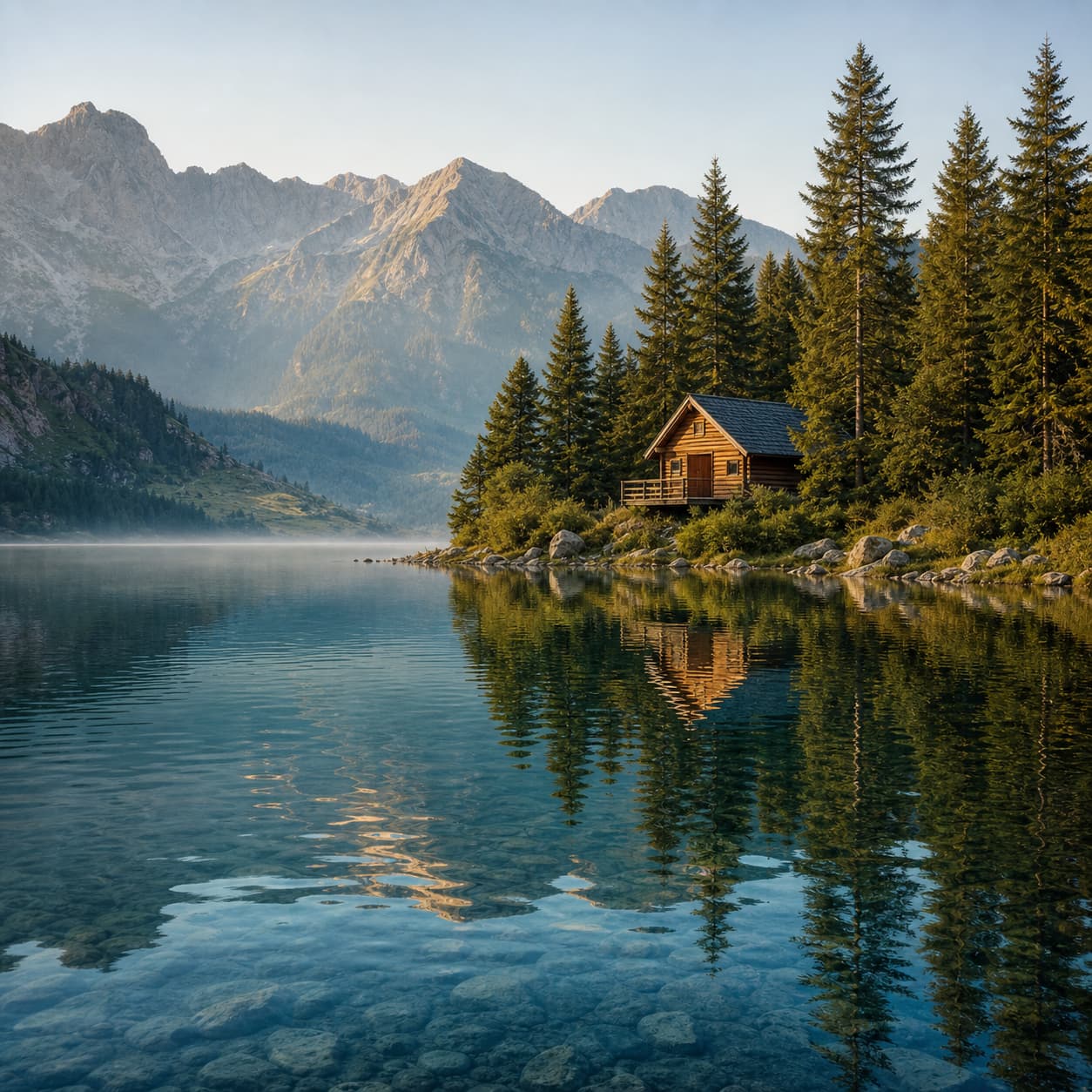
Scale landscape photos for print and screens example

Photo enlargement for portraits

Scale landscape photos for print and screens

Enlarge a landscape photo online for a social crop, desktop background, print draft, or high-density screen without adding a maze of manual settings.

Try the photo enlarger

A simple photo enlarger workflow

How to enlarge a photo online

Three clear steps from a small source image to a larger photo you can review and use.

  1. Choose a photo

    Upload a JPG, PNG, or WebP photo up to 10 MB.

  2. Select the enlargement

    Choose 2x, 4x, 6x, 8x, or 10x based on the output dimensions you need.

  3. Review and save

    Compare the original and enlarged photo, then download the result when it is ready.

Built for useful image detail

Choose the enlargement that fits the image.

Good photo enlargement keeps the original recognizable, makes the size change easy to inspect, and leaves the final decision with you.

01

Start with the clearest source

A sharper original gives the photo enlarger more visible edges and textures to work with.

02

Use 2x or 4x for measured growth

Choose a lower factor for sharing, profiles, standard screens, or a moderate print draft.

03

Use 6x, 8x, or 10x for maximum size

Choose a higher factor when a small source needs substantially larger pixel dimensions, then inspect fine detail closely.

04

Review before you publish

Compare the original and enlarged photo so faces, product edges, and fine details get a human check.

Verified user feedback

Clearer results, shared by real users.

These verified users describe how UpScaler.tools fits into everyday image work.

I’ve tried several AI image upscalers, and this one gives the most natural results. The details are sharper without making the image look artificial. It’s fast, easy to use, and works well for both old photos and AI-generated images.
Verified user
Excellent image quality and a very clean interface. The upscaled images preserve textures and colors much better than other tools I’ve tested. Definitely one of the best AI upscalers available online.
Verified user
Très bon outil pour améliorer la qualité des images. Les résultats sont nets et naturels, sans créer d’effets artificiels. L’interface est simple, le traitement est rapide et la qualité finale est vraiment impressionnante.
Verified user
Una excelente herramienta para aumentar la resolución de imágenes. Los resultados son claros y realistas, incluso con fotos antiguas o de baja calidad. Es rápida, fácil de usar y ofrece una calidad superior a muchas otras opciones.
Verified user
とても使いやすいAI画像高画質化ツールです。画質が自然に向上し、細部まできれいに再現されます。処理速度も速く、古い写真や低解像度の画像でも満足できる仕上がりになりました。
Verified user
Einer der besten KI-Bild-Upscaler, die ich bisher ausprobiert habe. Die Bilder werden deutlich schärfer, ohne unnatürlich zu wirken. Schnelle Verarbeitung, einfache Bedienung und überzeugende Ergebnisse bei nahezu jedem Bild.
Verified user

Photo enlarger questions

Clear answers before you enlarge a photo.

Learn what the AI photo enlarger does, which files it accepts, and how the included credit system works.

What is an enlarger photo tool?

An enlarger photo tool increases the dimensions of a smaller image while refining edges, textures, and tonal transitions. This AI photo enlarger is designed for everyday photos, product images, artwork, and landscapes that need a larger, clearer source for screens, print, or sharing.

How do I enlarge a photo online?

Choose a photo in the editor, select 2x, 4x, 6x, 8x, or 10x, and start processing. The original remains unchanged while the photo enlarger creates a larger result. Compare the two versions in the preview, then download the enlarged photo when processing is complete.

Can an AI photo enlarger fix a small or blurry photo?

An AI photo enlarger can make edges and visible textures more useful at a larger size, but it cannot recover every detail that was never captured. For the most natural result, start with the clearest original photo available and review the enlarged image before publishing or printing it.

Which enlargement factors does this photo enlarger support?

Select 2x, 4x, 6x, 8x, or 10x based on the dimensions you need. Every enlargement factor uses the same focused workflow and one credit per image.

Which photo formats can I enlarge?

Upload JPG, PNG, or WebP files up to 10 MB. The original file stays unchanged, so you can review the result before deciding where to use the enlarged photo.

How many credits does enlarging a photo use?

One photo enlargement uses one credit at 2x, 4x, 6x, 8x, or 10x. Sign up to receive included credits, then check the balance shown in the editor before starting a job.

When do included credits expire?

Included credits are issued at signup and every 30 days from signup. Unused credits expire when the next cycle begins, so the balance in the editor reflects the current credit period.